Tuesday, 29 November 2011

Button Circles Christmas Card
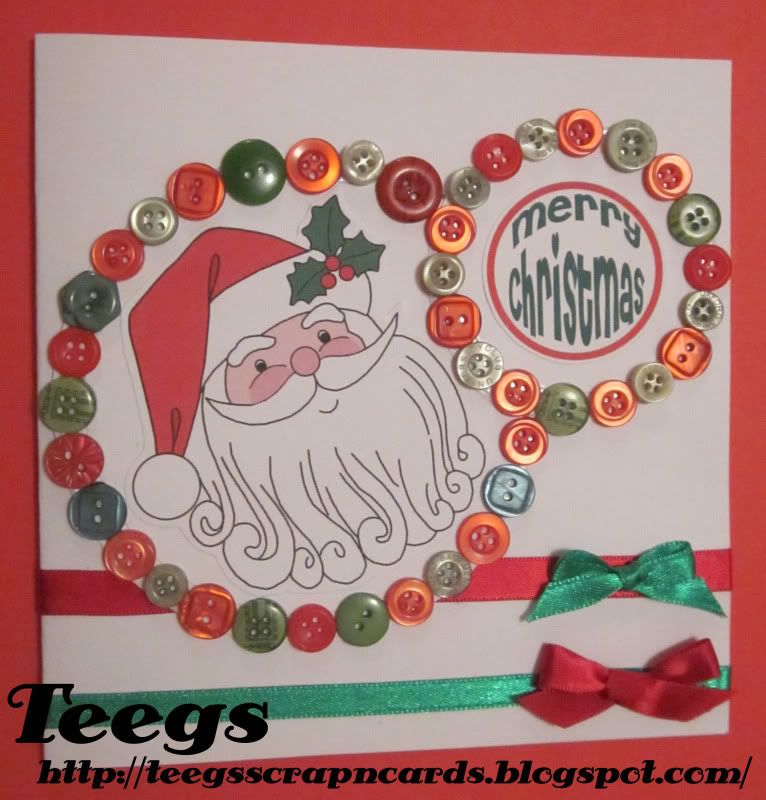
Here's my second entry in this week's Willow Sketchie Challenge which I also made today. Had two ideas and couldn't decide between them, so made both. Hope you all like it. :D

Button Circles Christmas Card

I used a white card as my base card. I then stuck a red and a green ribbon across the bottom of the card. I then made a red and a green bow which I stuck to the alternate coloured ribbon. I then cut 4 circles out of white card (1 large, 1 slightly smaller, 1 small and one slightly smaller than that). I glued the 2 bigger ones together (smaller one on top) and the 2 smaller ones together (smaller one on top again). Next I overlapped the smaller circles onto the big ones and glued it into place.
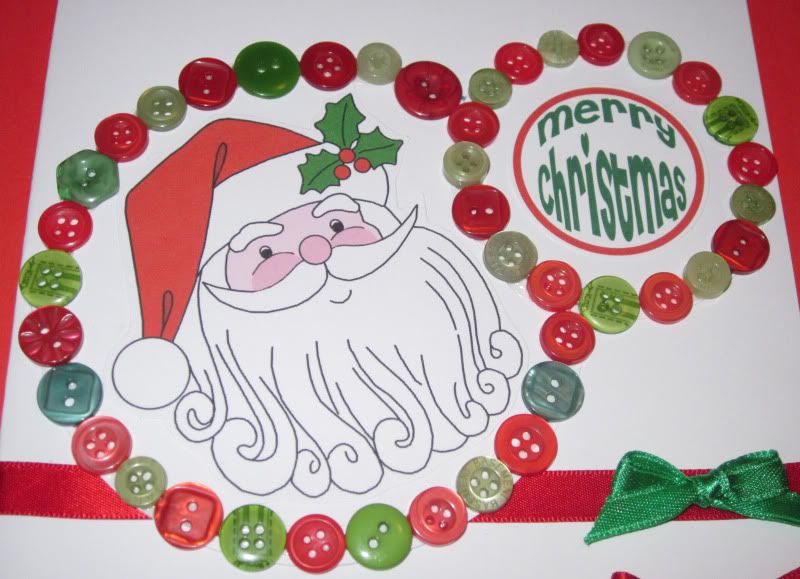

I then glued red and green buttons all around the small circle (using the smaller circle which I glued to it as a guide), and then around the edge of the large circle (once again using the smaller circle which I glued to it as a guide). Next I coloured in a Free My Memories Of Days Gone By Santa Digi in Photoshop, printed it on white card, trimmed around it and glued it to the center of the larger circles. Lastly I made a "Merry Christmas" sentiment in Photoshop, printed it on white card, trimmed around it and glued it to the center of the smaller circles.

Had heaps of fun making this card, was good to get to use some of my buttons too. I would once again like to thank Clairebears from Willow Sketchie Challenge for a fantastic recipe and sketch. Good luck to all that enter. :D

2 Ribbons And A Button Christmas Card

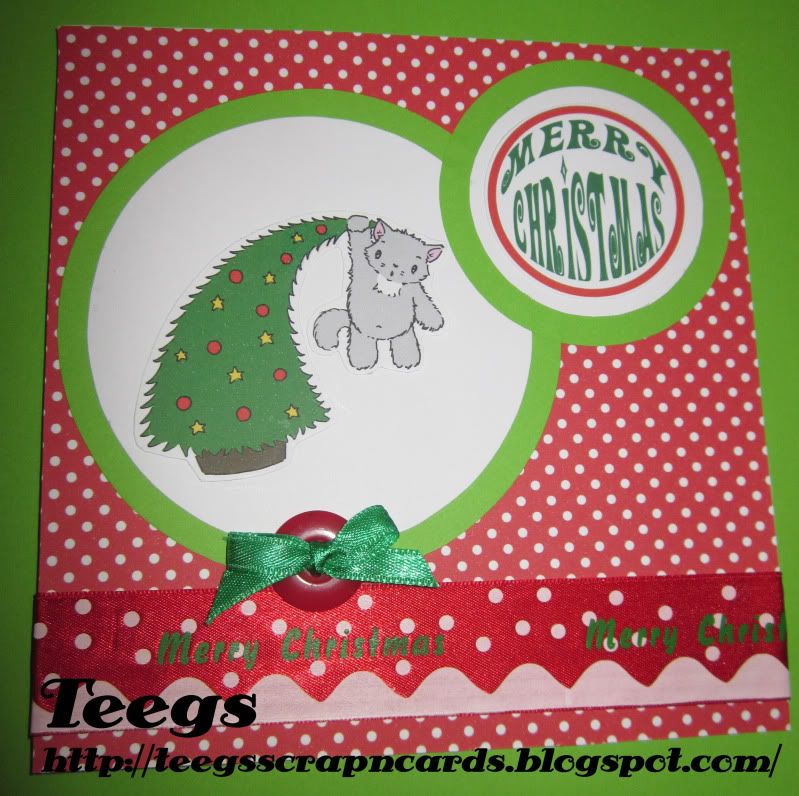
This is the card that I made today as my first entry in this week's Willow Sketchie Challenge. The sketch came with a recipe this week "2 ribbons and a button". Hope you all like it. :D

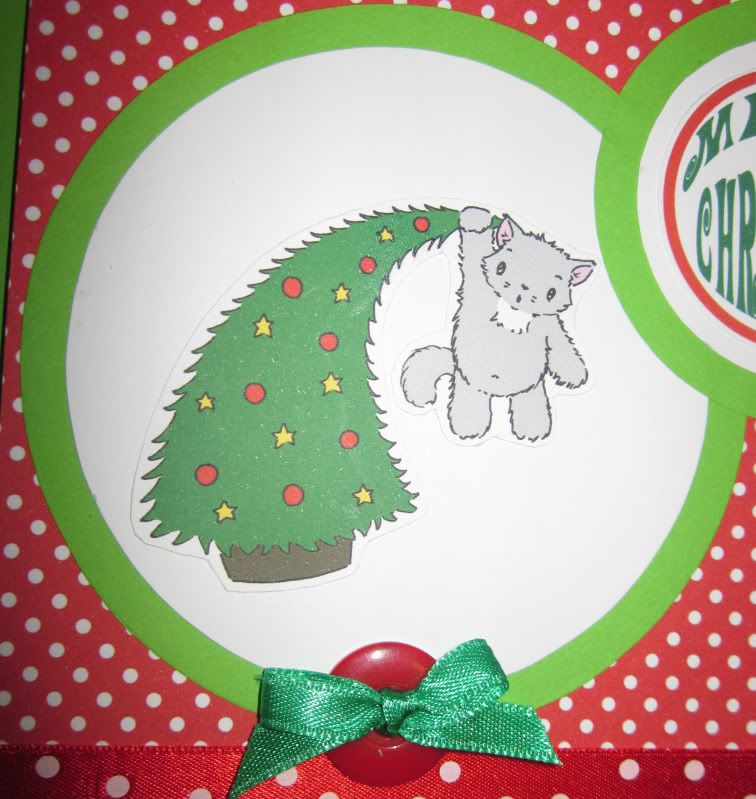
2 Ribbons And A Button Christmas Card


I used a white card as my base card, which I covered in red and white polka dot paper. I glued a red 'Merry Christmas' ribbon across the bottom of the card (ribbon no 1). Next I cut out 1 large and 1 small circle out of green paper, and 2 slightly smaller circles out of white card. I then glued the white circles to the center of the green ones.

I then coloured in a Free Sliekje Christmas kitty Digi Stamp using Photoshop, printed it on white card, trimmed around it and glued it to the large circle. I also made a "Merry Christmas" sentiment in Photoshop, printed it on white card, trimmed around it and glued it to the smaller circle. I then glued both the circles on to the card. Lastly I threaded a green ribbon (ribbon no 2) through a red button (a button) and glued it to the bottom of the large circle.

I had fun making this card, and would like to thank Clairebears from Willow Sketchie Challenge for a great recipe and sketch. I would also like to say goodbye to Kate and Clairebears, I'll miss you girls, good luck in all your future crafting :-* Good luck to all that enter :D

Monday, 28 November 2011

Free Reindeer Digi Stamp

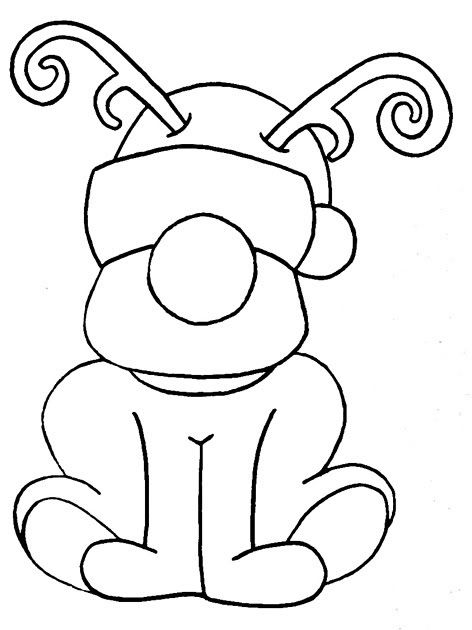
Here's a Reindeer Digi Stamp that I made the other day. I have also included a coloured option. To download it simply click on the image to open it in it's own window then right click on the image and save. :D

 Free Reindeer Digi Stamp


Example Of Use


If you use these free Digi Stamps and post your creation to a blog, please leave the link in comments, so that myself and others can see it. Thanks :D

Sunday, 27 November 2011

Merry Christmas Reindeer Card

Cutting it very close for this entry I know, but I have been very sick with Tonsilitis and haven't been able to craft. :( Anyway finally got it done, so here's my entry in this week's The Crafty Bloggers Network sketch challenge. Hope you all like it. :D

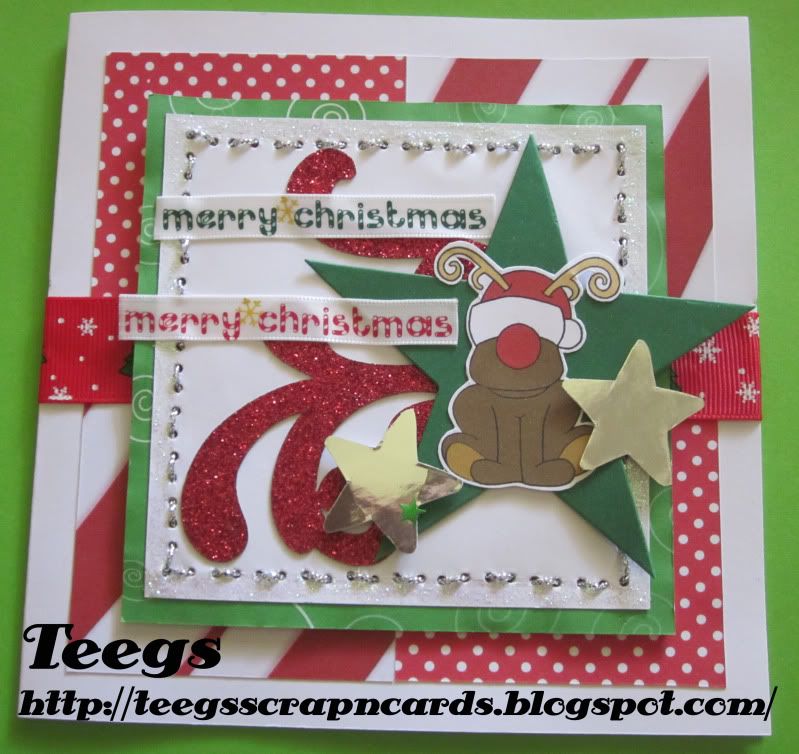
Merry Christmas Reindeer Card


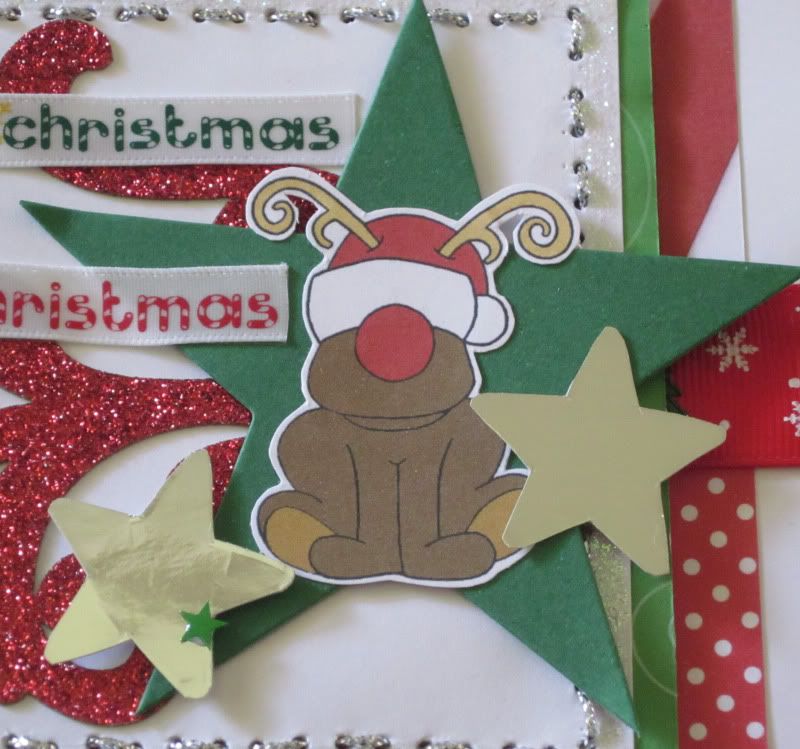
I used a white card as my base card. I then cut 2 squares (6.5 x 6.5cm) out of red and white polka dot paper and another 2 out of a free candy cane striped paper from Free Digital Scrapbooking. I then glued them to the middle of the card to form a square. Next I attached a red Christmas themed ribbon across the middle of the card. I then cut a square (11 x 11cm) out of a free green swirl paper from Free Digital Scrapbooking. I cut a slightly smaller square (10 x 10cm) out of white card and glued it to the green square. I then pierced all around the white card using my single Cutter Bee Bug and threaded thin silver cord through it. I then attached the squares to the card using double sided foam tape.

For the flourishes I used a glitter sticker pack I found at a bargain store. I coloured in my Free Reindeer Digi Stamp using Photoshop, printed it on white card and trimmed around it. I then glued it to a die cut green star, and glued the star to the card as well. I then cut 2 medium stars out of silver foil card and glued them to the card on either side of the big green star. Next I stuck a green glitter star to the silver star on the left. Lastly I cut 2 pieces of Merry Christmas ribbon and glued them across the left side of the green and white square.

Apart from being sick I did enjoy making this card, and I would like to thank the DT at The Crafty Bloggers Network for another great challenge. Good luck to all that enter. :D
Tuesday, 22 November 2011

All I Want For Christmas Is You Card

Finally got round to finishing my entry for this week's Willow Sketchie Challenge. After much thought (and not much time to do it in, as has been a busy week again) I decided to make the 2 parallel rectangles that go down the card into a mirror and put a sexy Christmasy girl on the front, with an 'All I want for Christmas is you' sentiment, that way the recipient (my boyfriend) will see them self on the mirror card, and hence they become part of the card. ;) Hope you all like it. :D

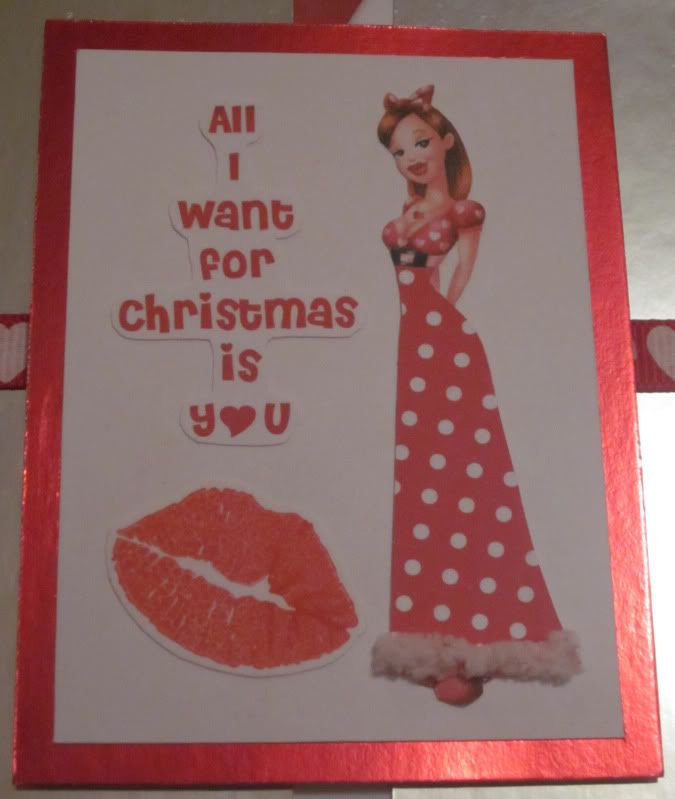
All I Want For Christmas Is You Card


I used a white card as my base card and then covered the front with a free Candy Cane striped paper from Free Digital Scrapbooking. Next I cut my 2 mirrors out of silver mirror card and glued one each side of the card. I then stuck a red and white heart ribbon across the center of the card. I stuck a red glitter heart sticker to the top left and bottom right corners of my card.


I enlarged and printed a Popeye Wong image (won't post the link here, as some are for 18+ only) and printed it on white card. As she had a rather short skirt in the original image, I decided to make her a nice long flowing one, which I cut out of red and white polka dot paper. I then glued a piece of white fluffy fibre to the bottom of the skirt to give it a nice fluffy trimming. I made a red "All I want for Christmas is you" sentiment in Photoshop, printed it on white card and then trimmed around it. I then stamped the lips onto a piece of white card using red ink, and trimmed around it too. I cut a rectangle out of white card and glued the Popeye Wong image down the right side and the sentiment and lips down the left. Lastly I matted the white rectangle onto a piece of red foil card and then attached it to the card using double sided foam tape.

Although it was a relatively easy card to make, I had fun coming up with the idea of a way for the recipient to become a part of the card. I would like to thank Pauline from Willow Sketchie Challenge for a great sketch. Sorry I didn't have more time to make a big wow card Pauline, it's coming into that hectic Season again. ;) Good luck to all that enter :D


Friday, 18 November 2011

Reindeer Triptych Card

Here's the card I made today for my entry in The Crafty Bloggers Network 'All The Two's' challenge. I decided what better way to express the theme than a Triptych card. Hope you all like it. :D

Reindeer Triptych Card


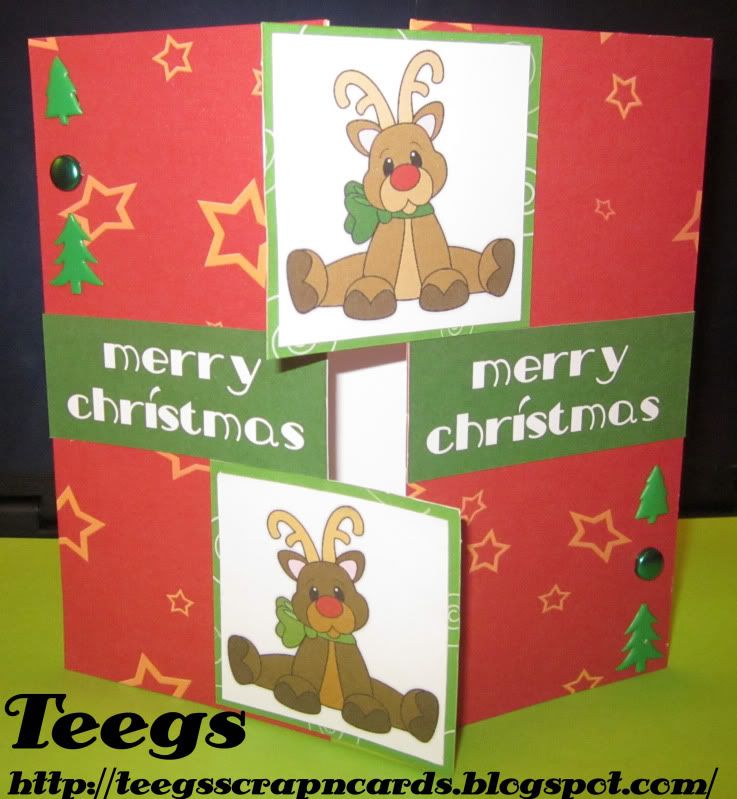
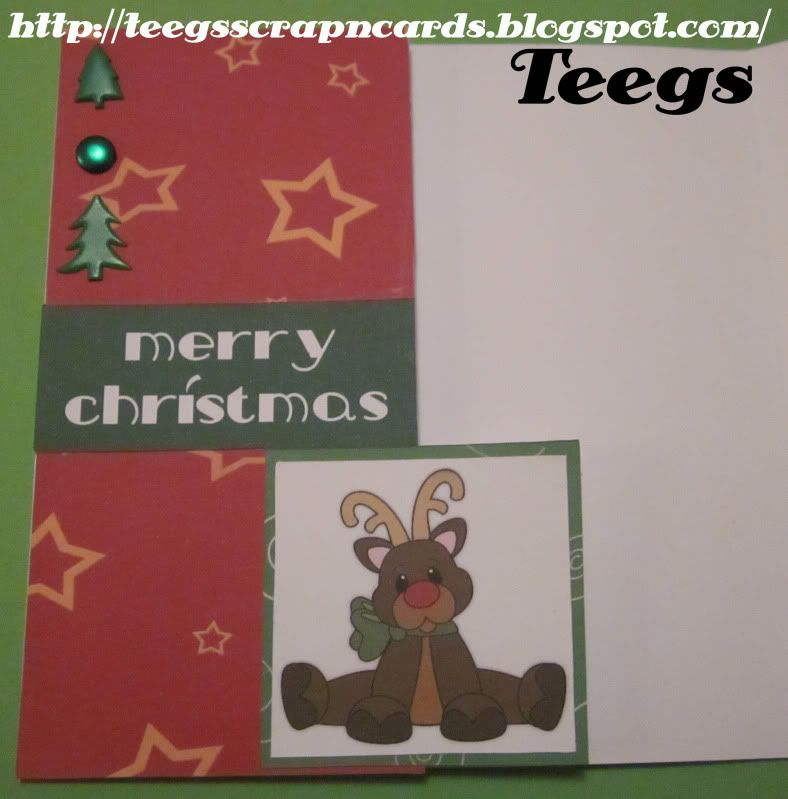
For this card I used a piece of white card (30 x 15cm) as my base card, I then folded 7.5cm in on both sides. Next I covered both sides of the front of the card with a free red star Christmas Paper (which I printed on white card) from Free Digital Scrapbooking. I then coloured in a free reindeer Digi Stamp (x 2) from Little Scraps Of Heaven Designs using Photoshop, printed them on white card and trimmed them into a square. Next I glued the Digi's onto a free green swirl Christmas patterned paper (which I printed on white card) from Free Digital Scrapbooking. I then trimmed it into a square slightly larger than the Digi's. I then glued half of one Digi to the top of the right flap, and half of the other Digi to the bottom of the left flap. I made a 'Merry Christmas' Sentiment using Photoshop which I glued to the middle of each side. Lastly I cut the backs off 2 small Christmas tree brads, 2 large Christmas tree brads and 2 green circle brads and glued one of each to the bottom right and one of each to the top left.


I had fun making this card and trying a new technique, and I would like to thank the DT at The Crafty Bloggers Network for another fantastic challenge. Good luck to all that enter. :D

Wednesday, 16 November 2011

Candy Giveaway

Patterned Paper and All Things Pretty Candy Giveaway


Head on over to Patterned Paper and All Things Pretty! to try your luck at winning Ruth's Christmas candy (Humphrey Christmas collection CD, together with 3 Christmas stamps) that she has up for grabs. All you have to do is enter your details on the Candy Giveaway page. Good luck :D